How to remove Qty and Add to Cart from product page in Magento 2
1 min read

If you want to make a product page so somebody cannot add to the basket and remove the Qty and add to cart buttons this is really easy to do with a simple xml update.
- Use this code in the design xml layout update field on the product to remove the price. You can do it on a product by product basis you could use the bulk update attributes feature.
<referenceBlock name="product.info.addtocart" remove="true"/>The result of using this code to remove the price can be seen here on our Lumarix Magento Store
Before

After

Why remove the price from a product page in Magento 2
- Get customers to call to place orders
- Make a brochure only section of your website

Chris Gee
Co-Founder & Managing Director
Related blog posts
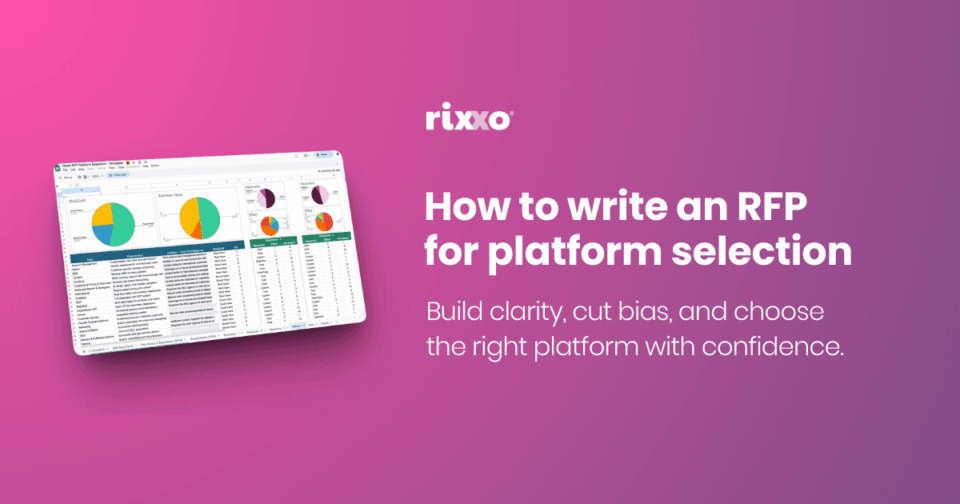
How to write an RFP for platform selection
When you choose a platform, you make a decision that shapes how your entire business…
Finding Your Perfect Match: How to Choose the Right eCommerce ERP Solution for Your Business
So you’ve begun exploring ERP systems for your eCommerce business. You’re aware of the benefits…

B2B websites, how they are different and how to make them successful
When planning and designing a new B2B [Business to Business] website, it is essential to…
How to Configure Adyen and Adyen MOTO With Magento 2: A Step-by-Step Guide
What is Adyen? Adyen is a global payment company that provides businesses with a modern…

HubSpot Forms & Magento: A Powerful Combination for eCommerce
Understanding HubSpot and its role in eCommerce HubSpot, a renowned CRM platform, excels in managing…
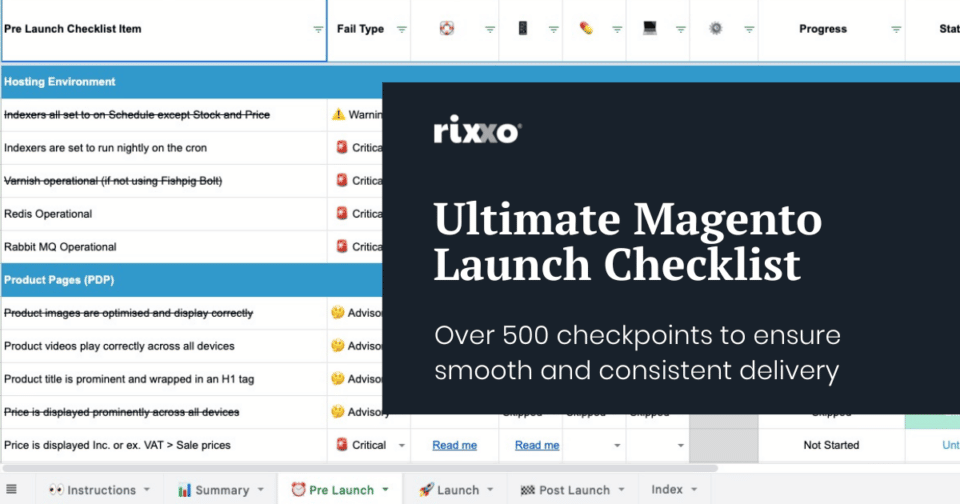
The Ultimate Magento Launch Checklist for Adobe Commerce & Magento Open Source (500+ Checkpoints)
Launching an eCommerce site is a mammoth undertaking which can feel more than just a…